Agile Lens end of year present: This year, we updated to Unreal 5.2 and completely redesigned our actor mocap system to allow our actors to be fully in VR and allow audiences to watch 2D streaming, join 2D live show through Epic Store, or experince in VR through PCVR-- we support both Oculus link and SteamVR supported headsets.
Watch a 2 hrs long talk about how we develop this experience:
2023 was a landmark year for ACCVR. We implemented significant upgrades over previous years, including full multiplayer functionality via a customized replication system and full in-VR acting support for our performers. We also introduced multi-avatar support, migrated from Unreal Engine 4.27 to 5.2, and added in-app audio broadcasting. Key milestones included distributing the app via the Epic Games Store, implementing an in-game chat system, an AI house manager, and a brand-new cueing system. Additionally, we added new navigation modes, OpenXR support for cross-headset compatibility, and scalability settings to accommodate a wide range of hardware.
This was also my second year leading development. Three initiatives I proposed and spearheaded that year were:
1. Transitioned performers into VR.
2. Implementied a custom "OSC + WebSocket" model for data transmission.
3. The Lobby experience.
2. Implementied a custom "OSC + WebSocket" model for data transmission.
3. The Lobby experience.
I will elaborate on each of these points below.
1. Transitioned performers into VR.
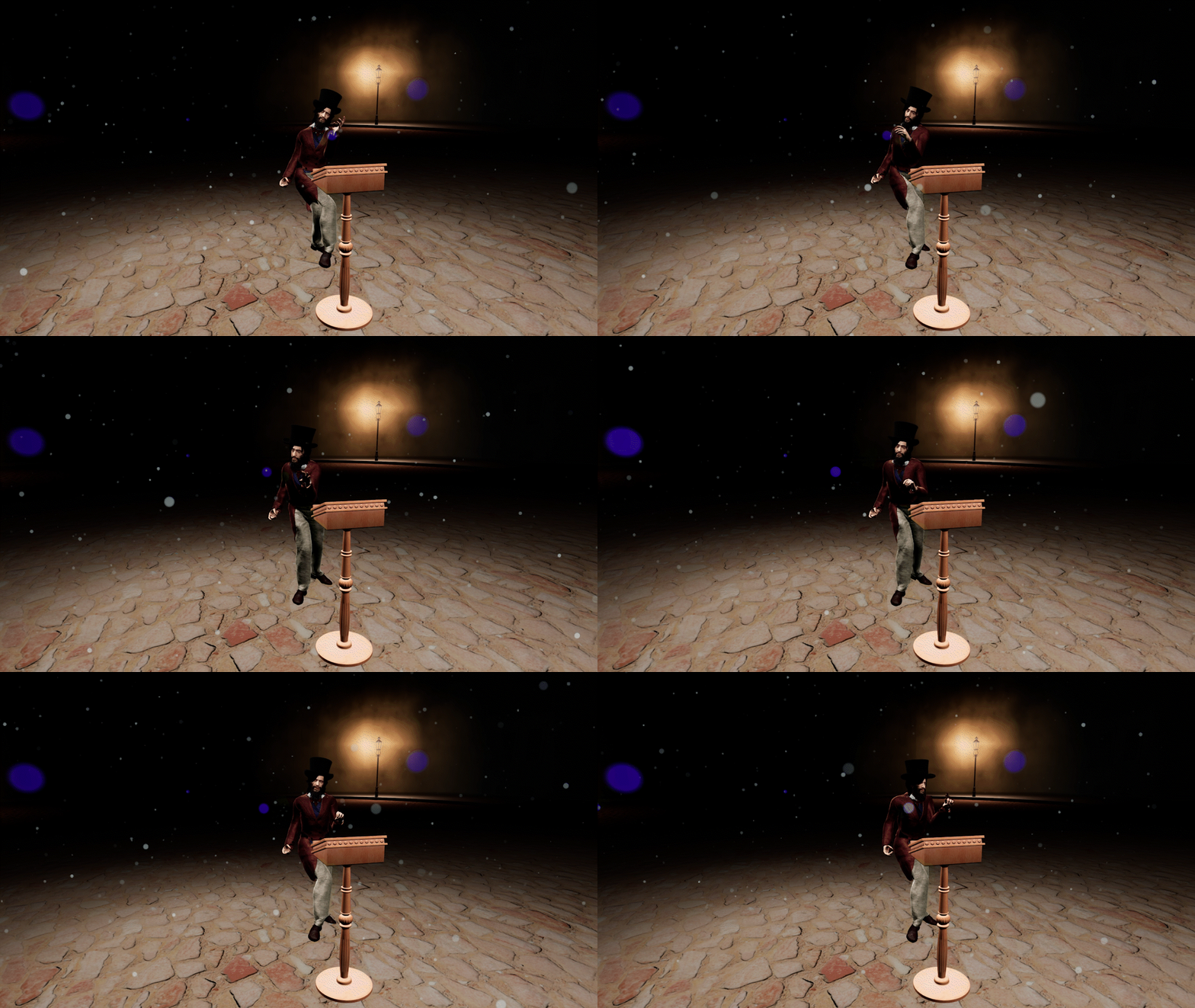
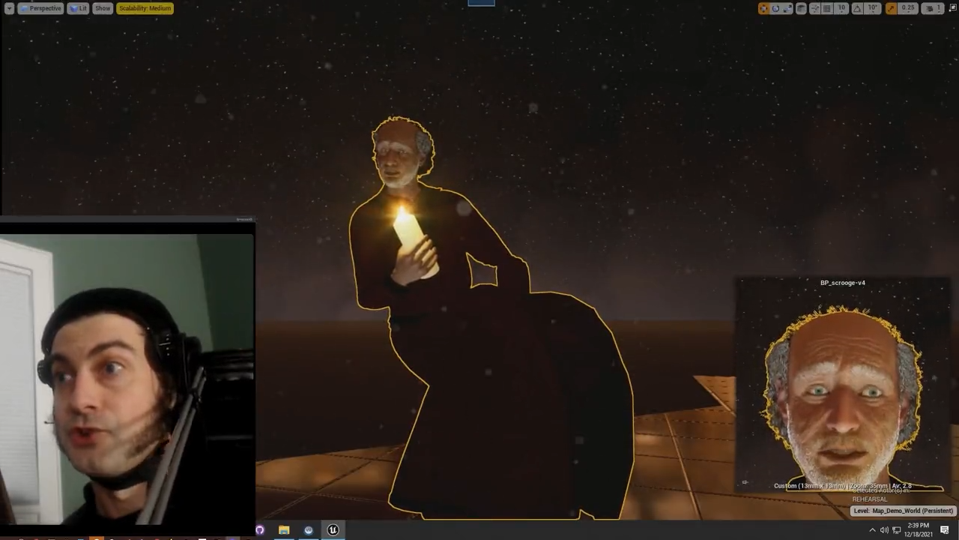
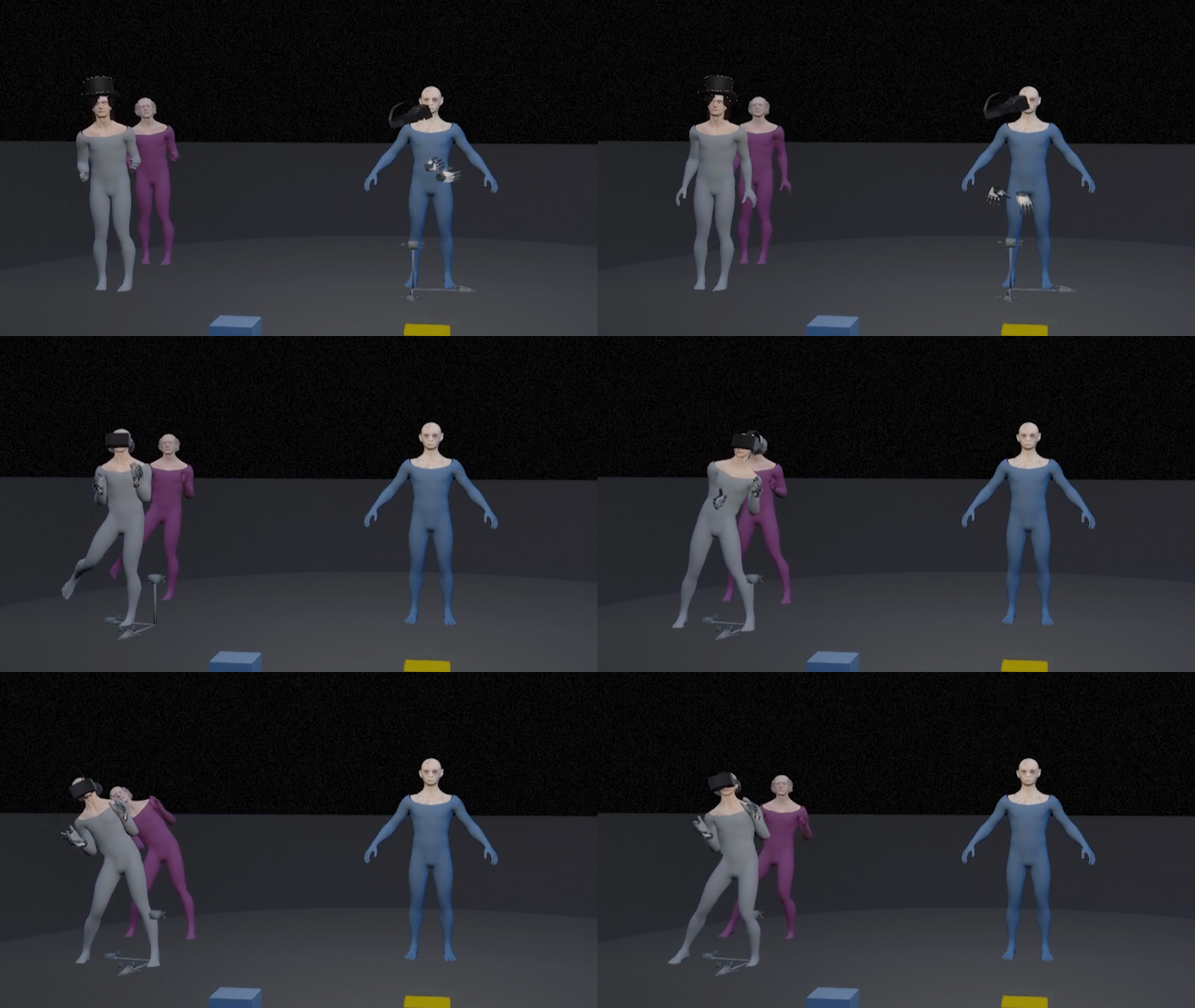
Before 2023, we have 1 performer wearing full body motion capture suit (Rokoko) and wearing an iphone for facial capture. It was running fine in terms of facial expression and body animation, but the sight line was always a hard goal-- it also was challenging for the actor to have any kind of interaction with the live audiences. This year, with the facial tracking feature from Meta Quest pro, we decided to switch our facial tracking method from live link face to Meta Quest Pro natural facial tracking.
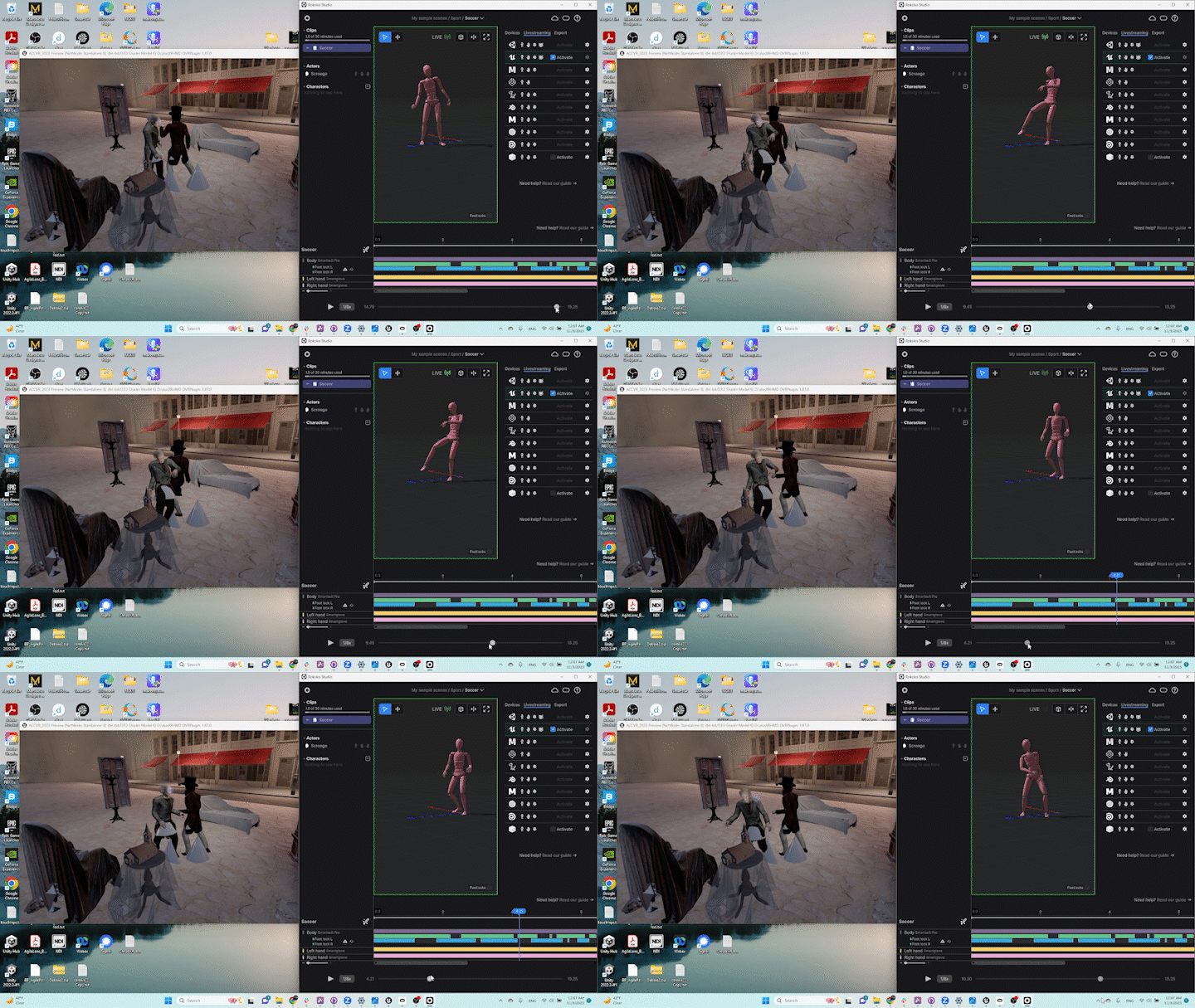
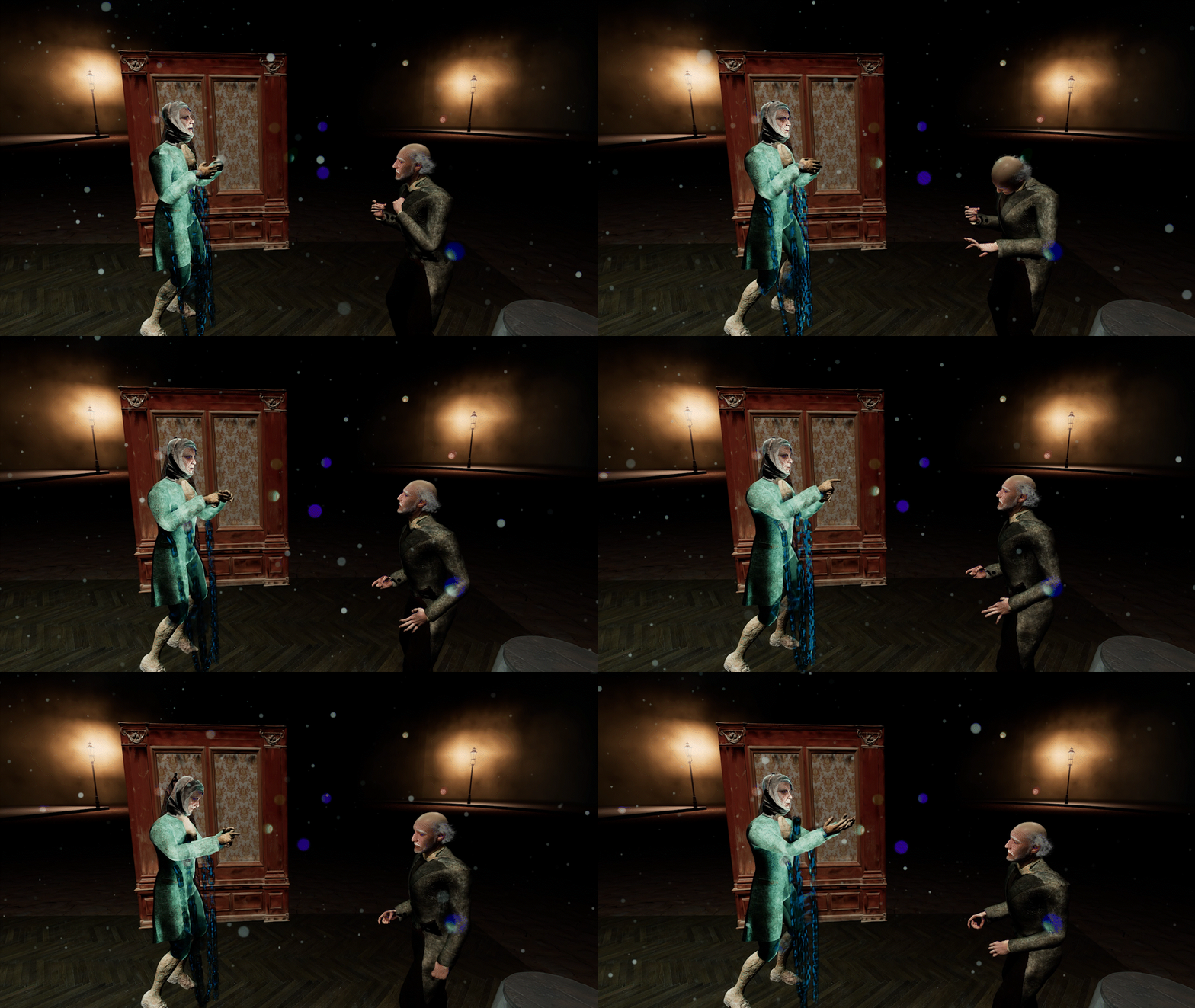
Move the performers in VR was a huge leap -- especially when pair with full body mocap suit, mixing with VR headset tracking, and in additional to that -- the main actor is controlling 2 avatars simultaneously through out the performance. Various tests and 3 dimensional calculation paired with deep understanding of motion capture, skeletal animation, VR tracking, and Unreal animation blueprint was needed to solve the performance need. After months of development, we were able to achieve seamless control swap between 2 avatars, and allow the performer to control the avatar in embodied Point Of View (1st person POV) as well as out of body spectator Point Of View (3rd person POV).
2. Implemented a custom "OSC + WebSocket" model for data transmission.
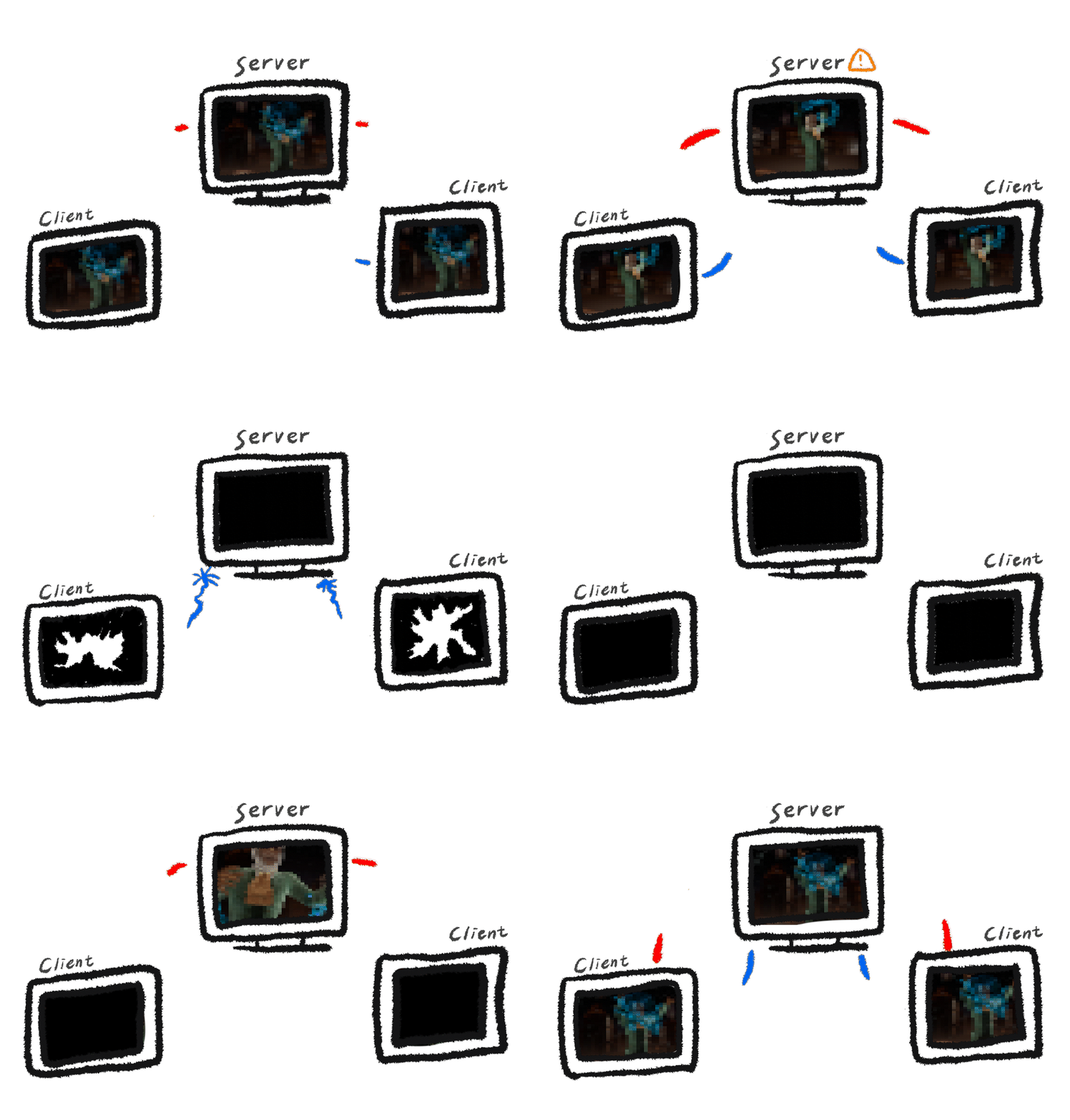
The primary advantage of this custom architecture over traditional multiplayer sessions was decoupling client stability from the host. This eliminated the single point of failure common in standard replication; if the host or any instance dropped out, no user would be disconnected or experience a crash.
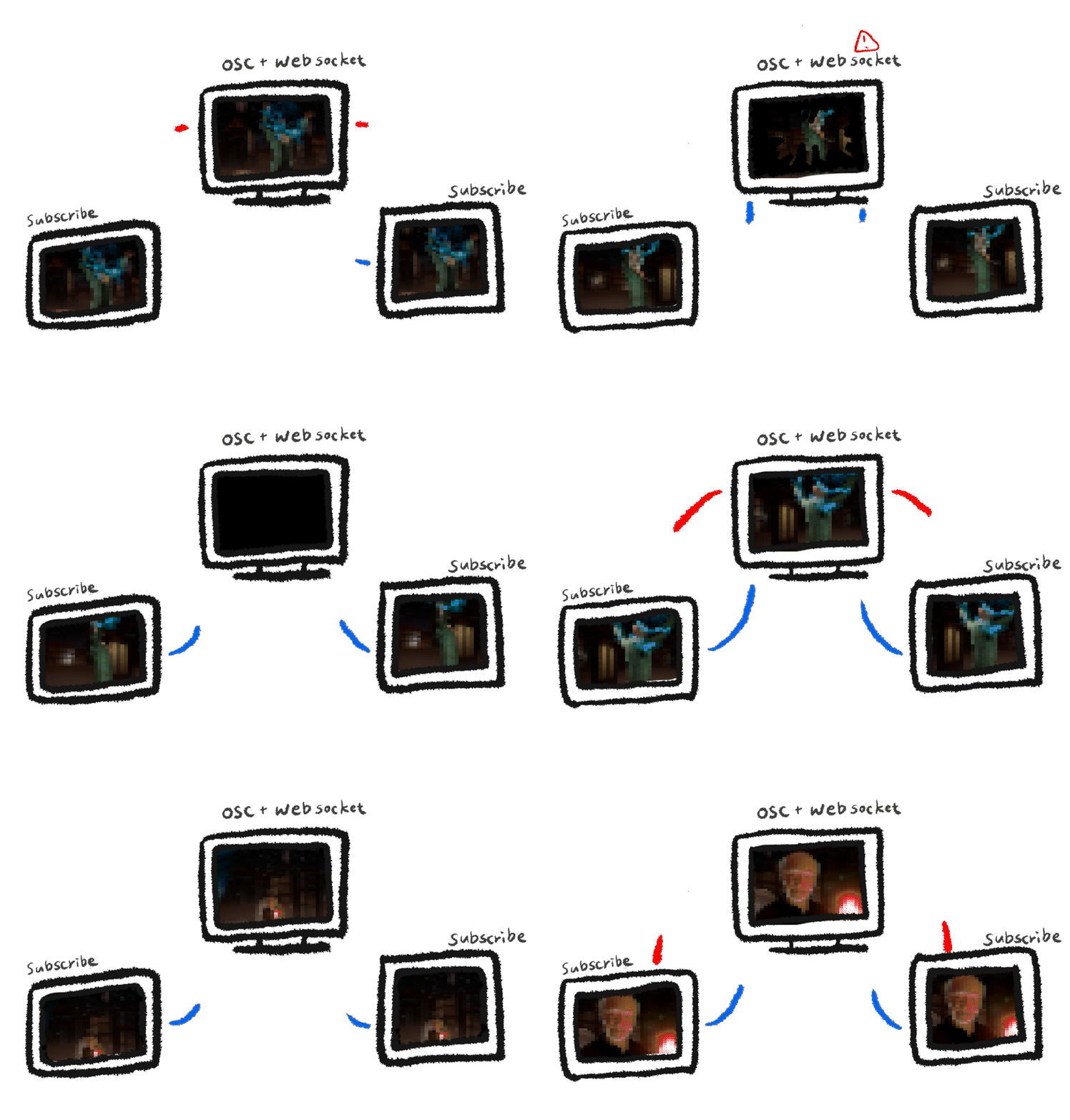
Conceptually, every participant runs a local "single-player" instance that subscribes to a WebSocket server for state synchronization. While similar to the standard Client-Server model, the critical difference is resilience: even if the WebSocket server stops responding, the user's local experience continues seamlessly rather than freezing or returning to a menu.
We also solved a key logistical challenge regarding network configuration. Standard protocols usually require complex port forwarding: OSC typically requires the receiver to open a port, while WebSockets require the server to expose one. Our hybrid model leveraged this to ensure that clients—including the audience, stage manager, and performers—required absolutely no local port forwarding. The only machine requiring network configuration was the central host server located in our office. This centralized approach also streamlined disaster recovery; if the primary host failed, we could immediately spin up a backup machine onsite without disrupting the clients' configuration.
3. The Lobby experience.
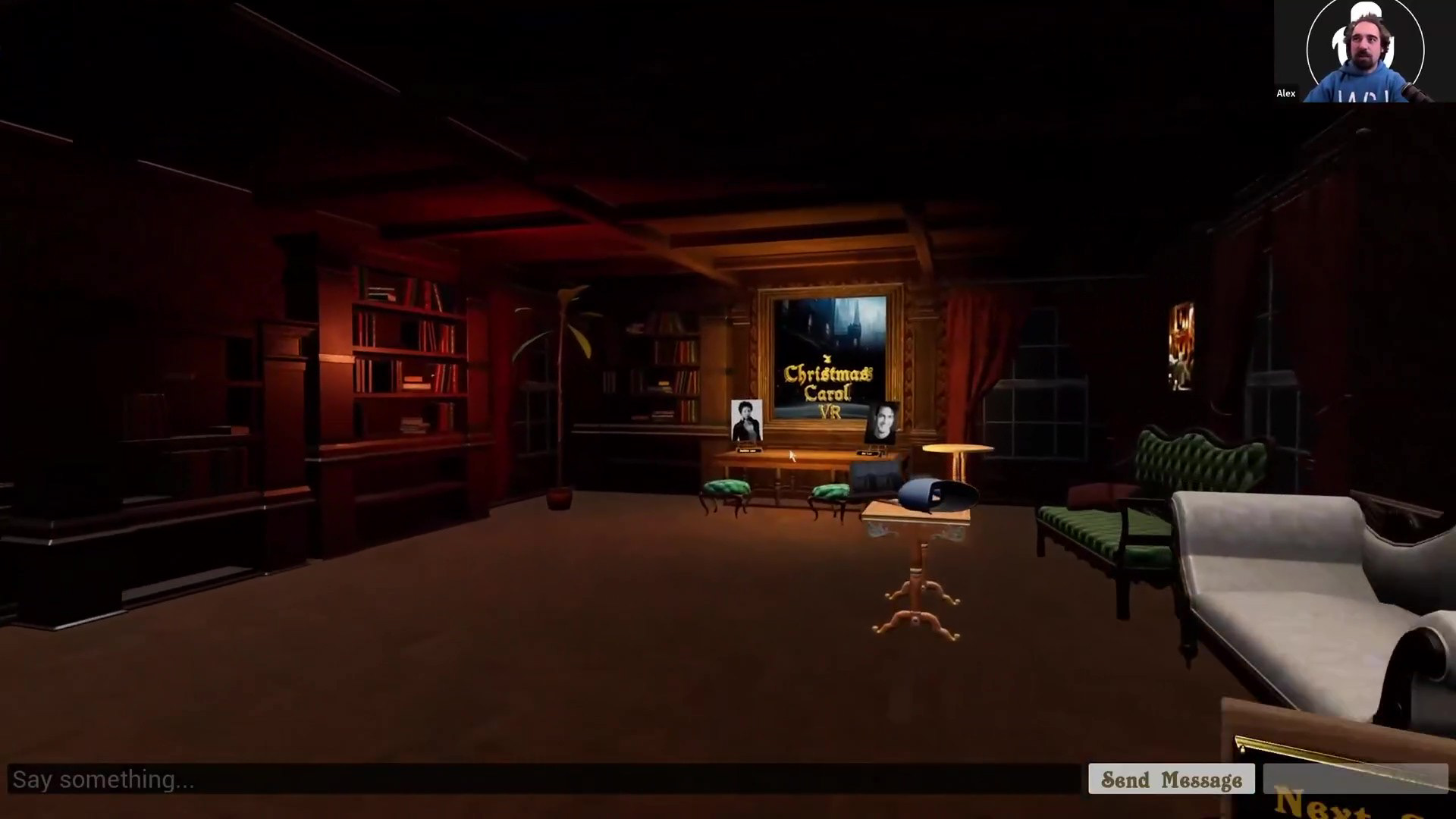
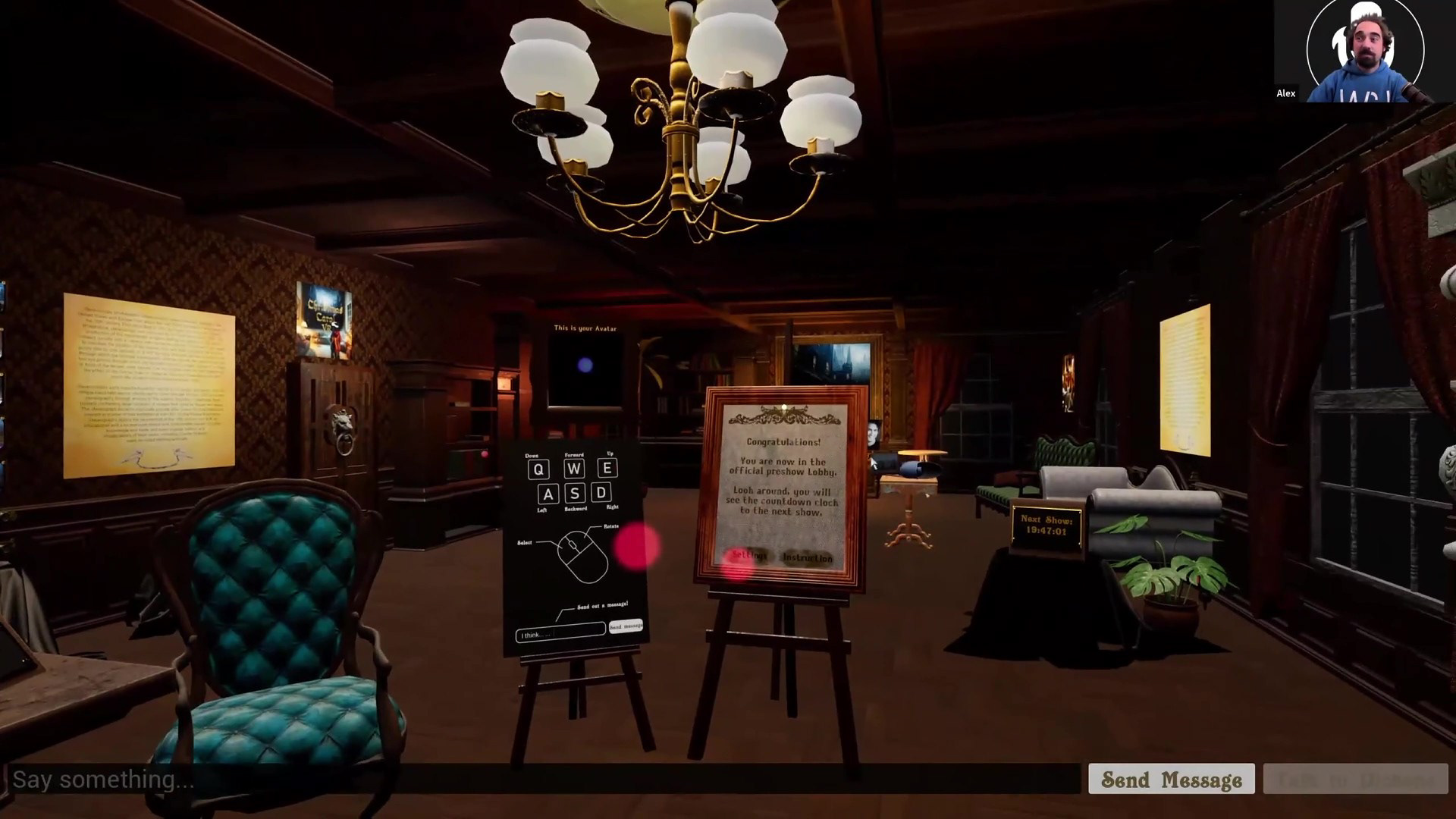
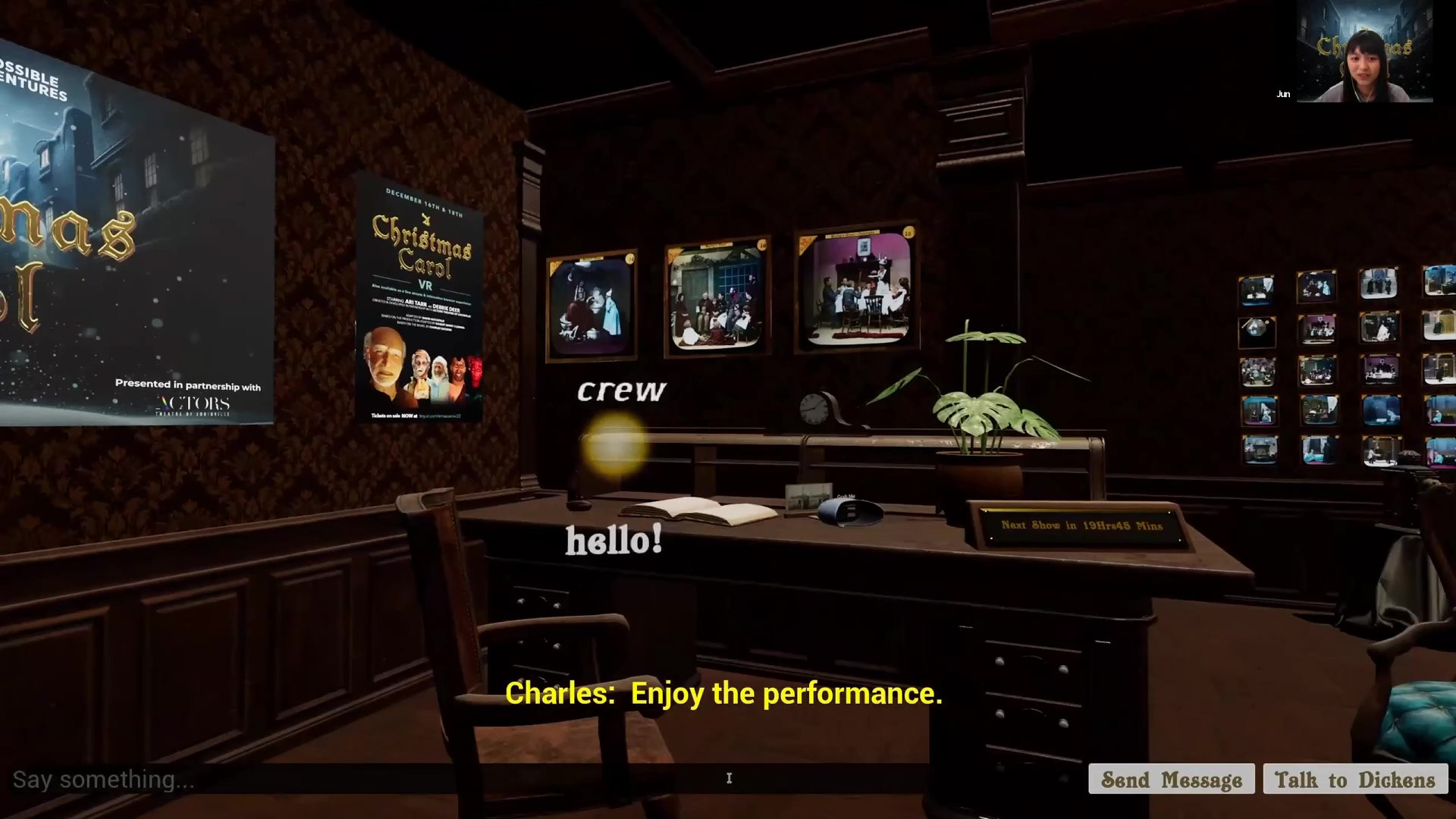
This year, we wanted our preshow lobby to be magical-- not just a room people stays waiting for the show to start, but a room with surprises and explorations.
Feel free to click the video below to watch the Lobby experience speed run.
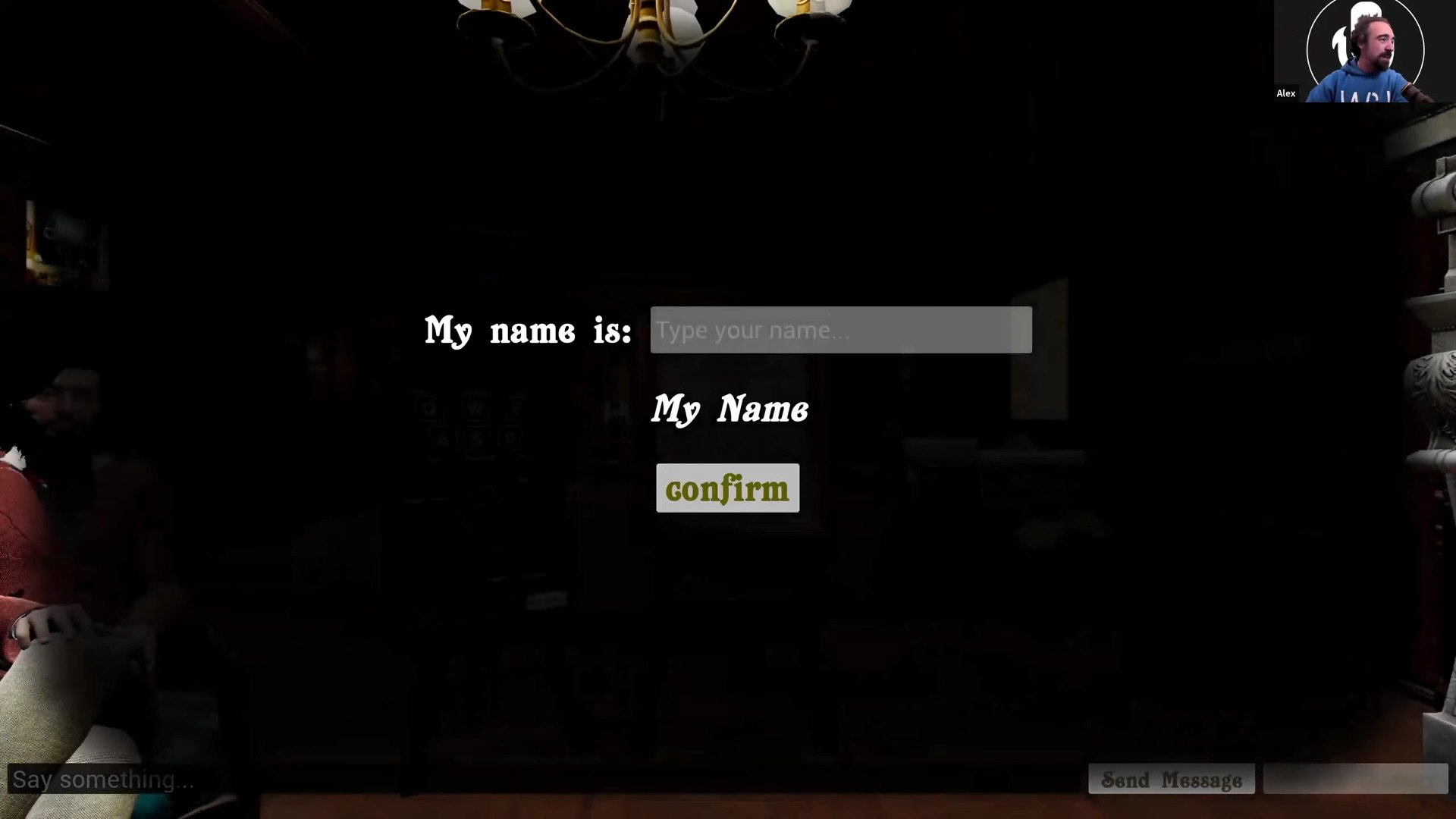
The very first thing we do is to give audience presence identity: To set the name. We can change the name anytime in the experience, and our live actor can address audiences with their name tag.
The Lobby experience has several layers:
First, for audiences who has not bought a ticket.
Second, for audiences who has bought a ticket and hang out not during showtime.
Third, for audiences who has bought a ticket and joining during showtime.
Second, for audiences who has bought a ticket and hang out not during showtime.
Third, for audiences who has bought a ticket and joining during showtime.
For audiences without a ticket:
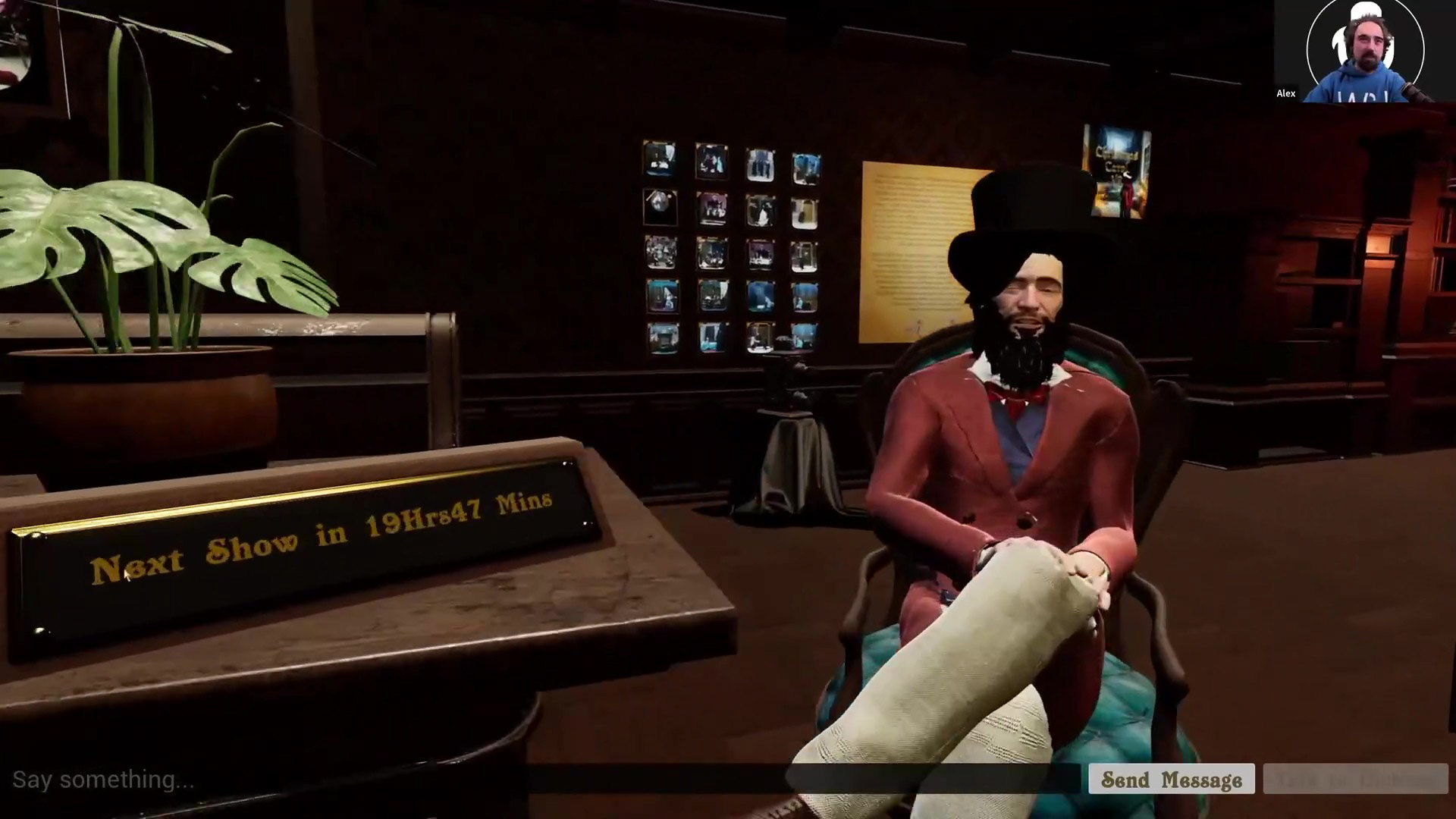
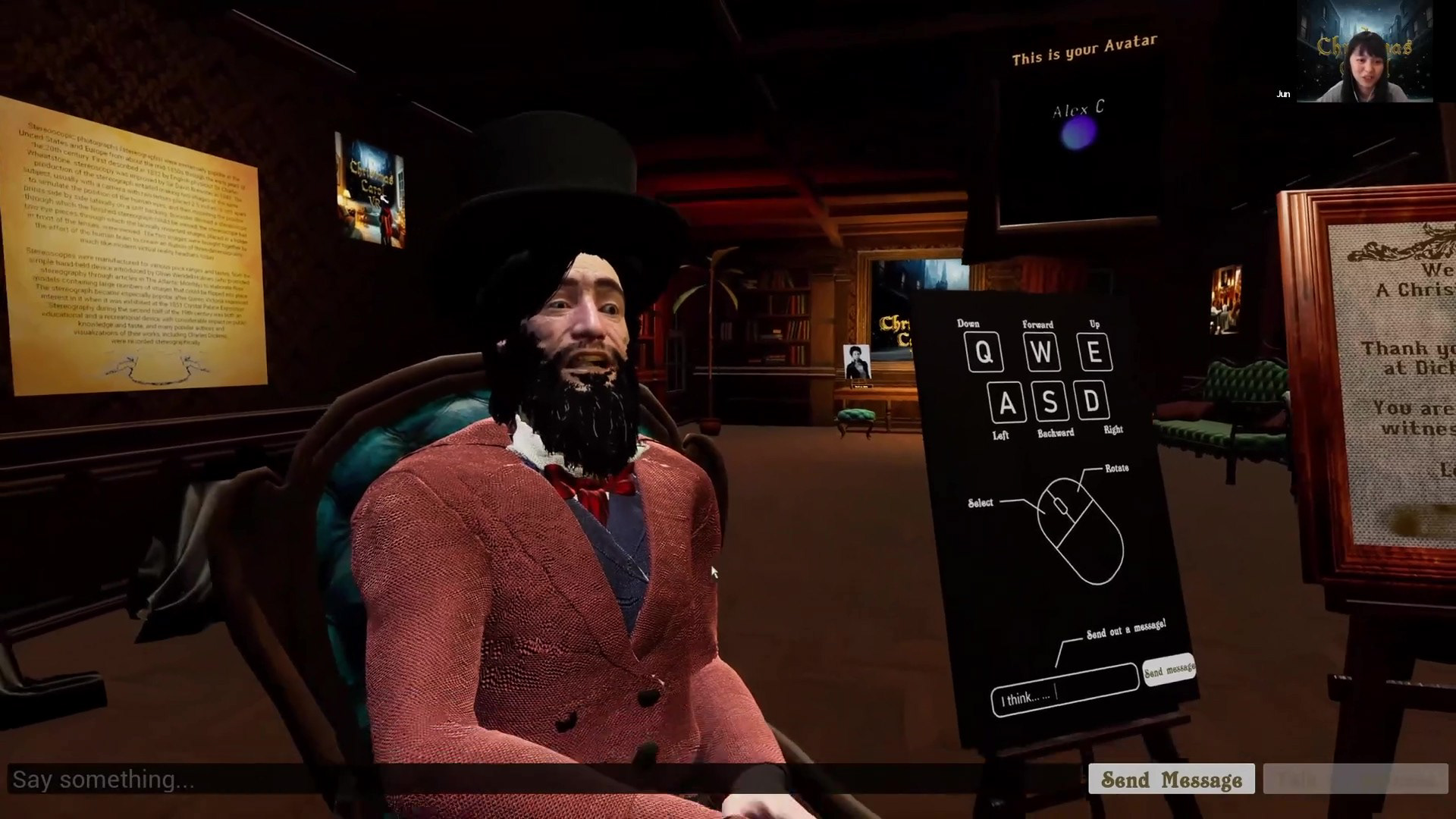
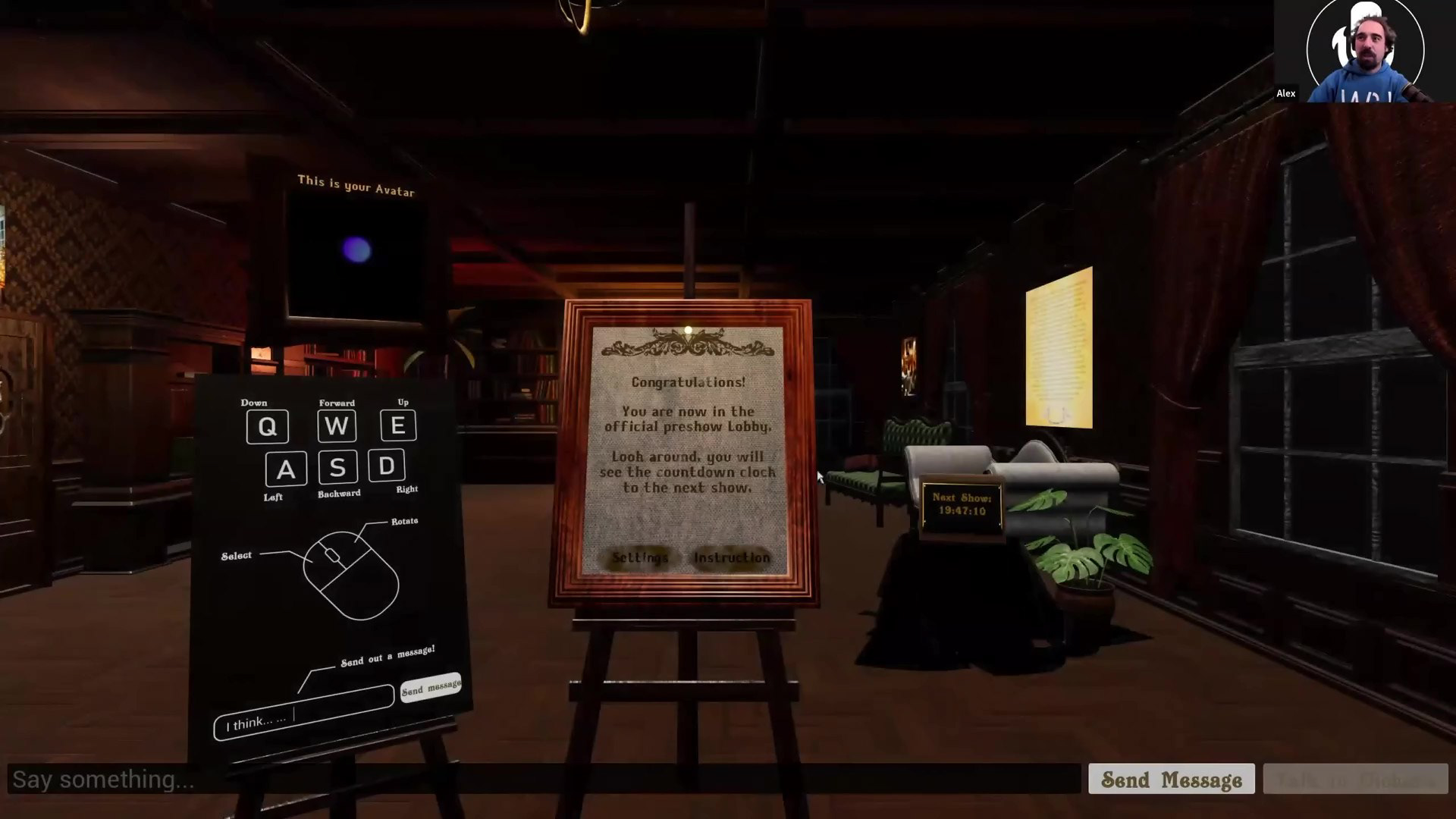
We prepared a prerecorded animation which is Dickens sitting on an armshair encouraging people to purchase the ticket. The UI in the Lobby would have information about the show, a settings menu to test your hardware and run scalability settings, and links to FAQ and ticket purchasing website.
We prepared a prerecorded animation which is Dickens sitting on an armshair encouraging people to purchase the ticket. The UI in the Lobby would have information about the show, a settings menu to test your hardware and run scalability settings, and links to FAQ and ticket purchasing website.
For audiences who bought the ticket:
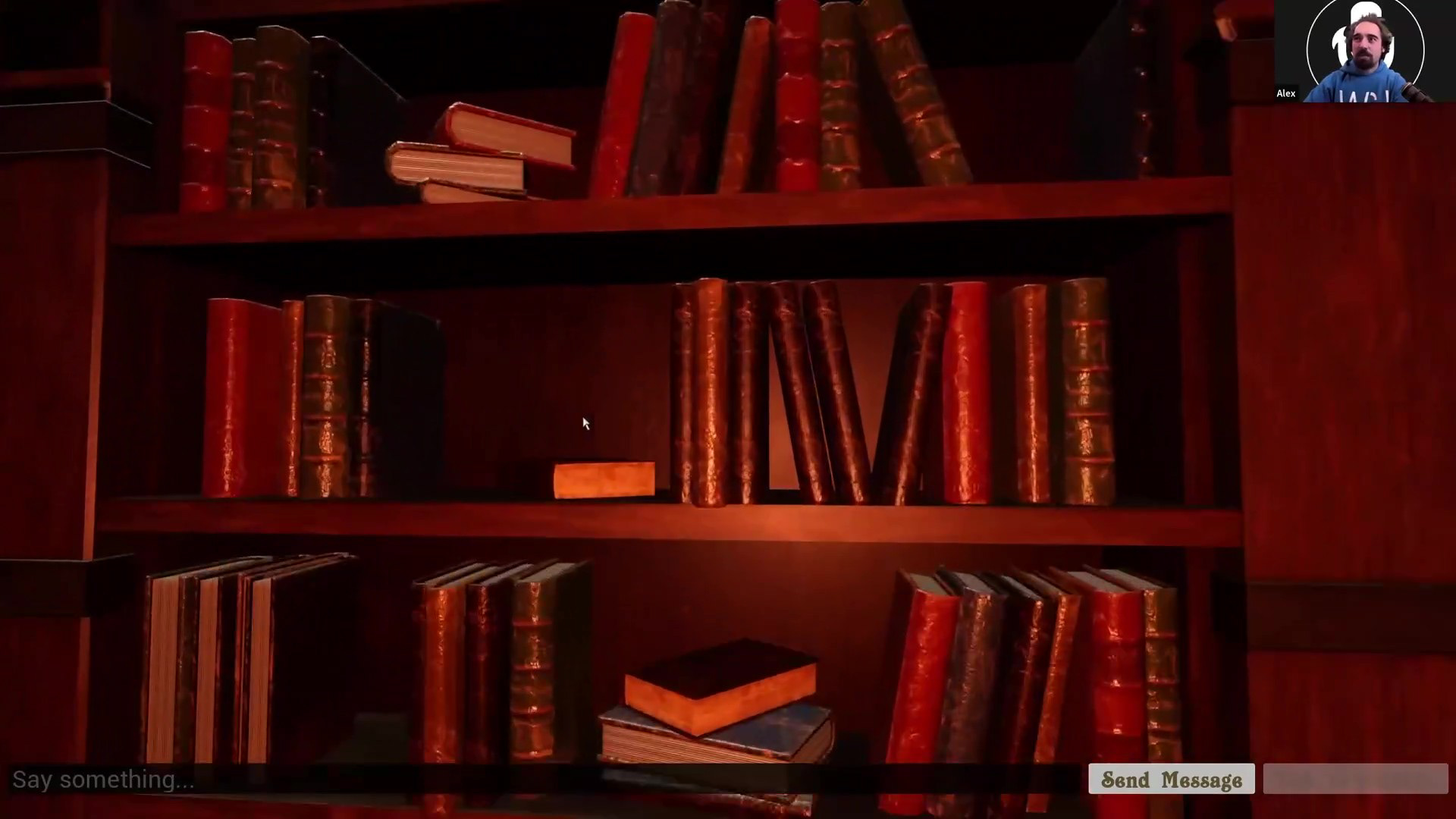
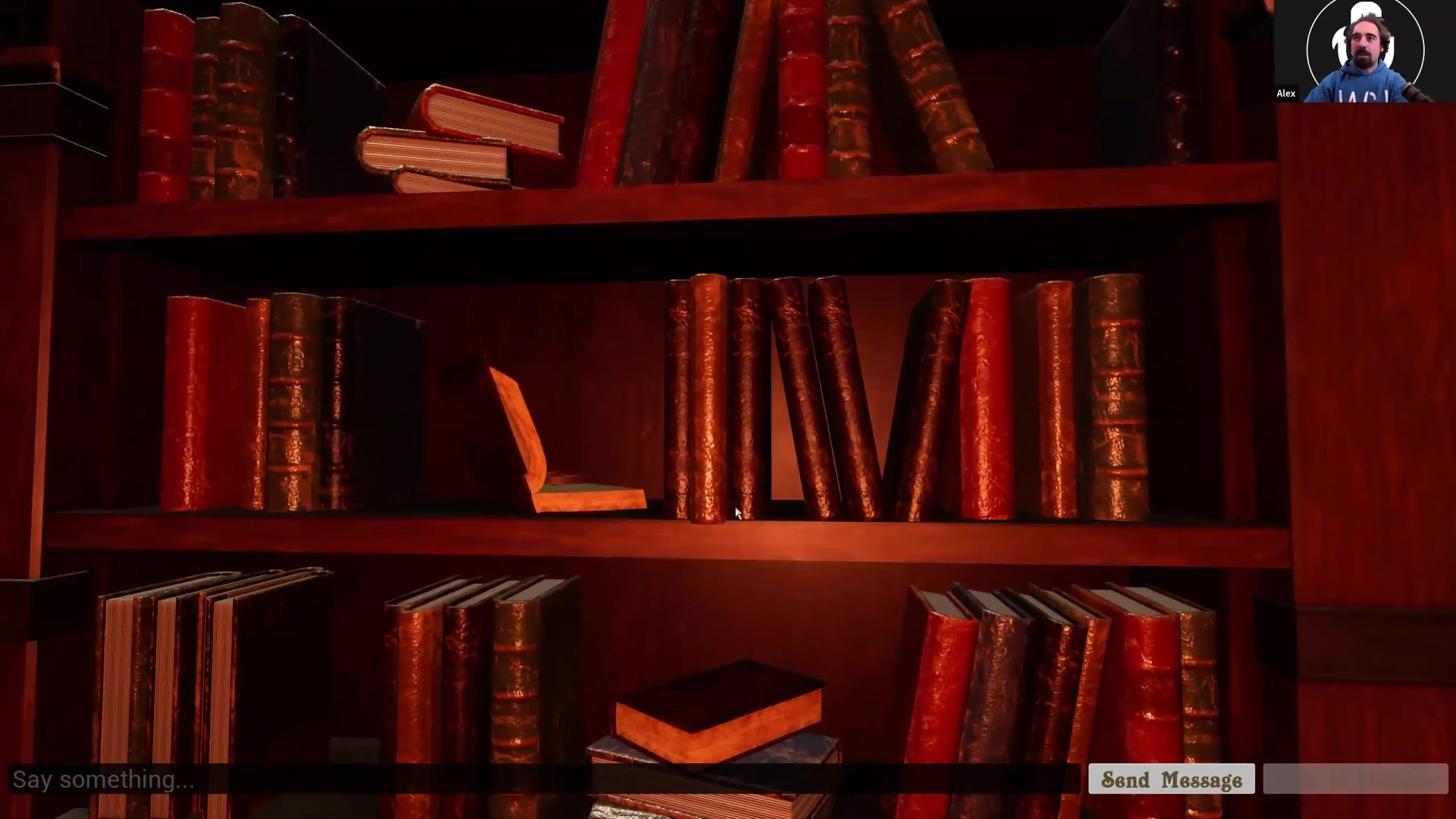
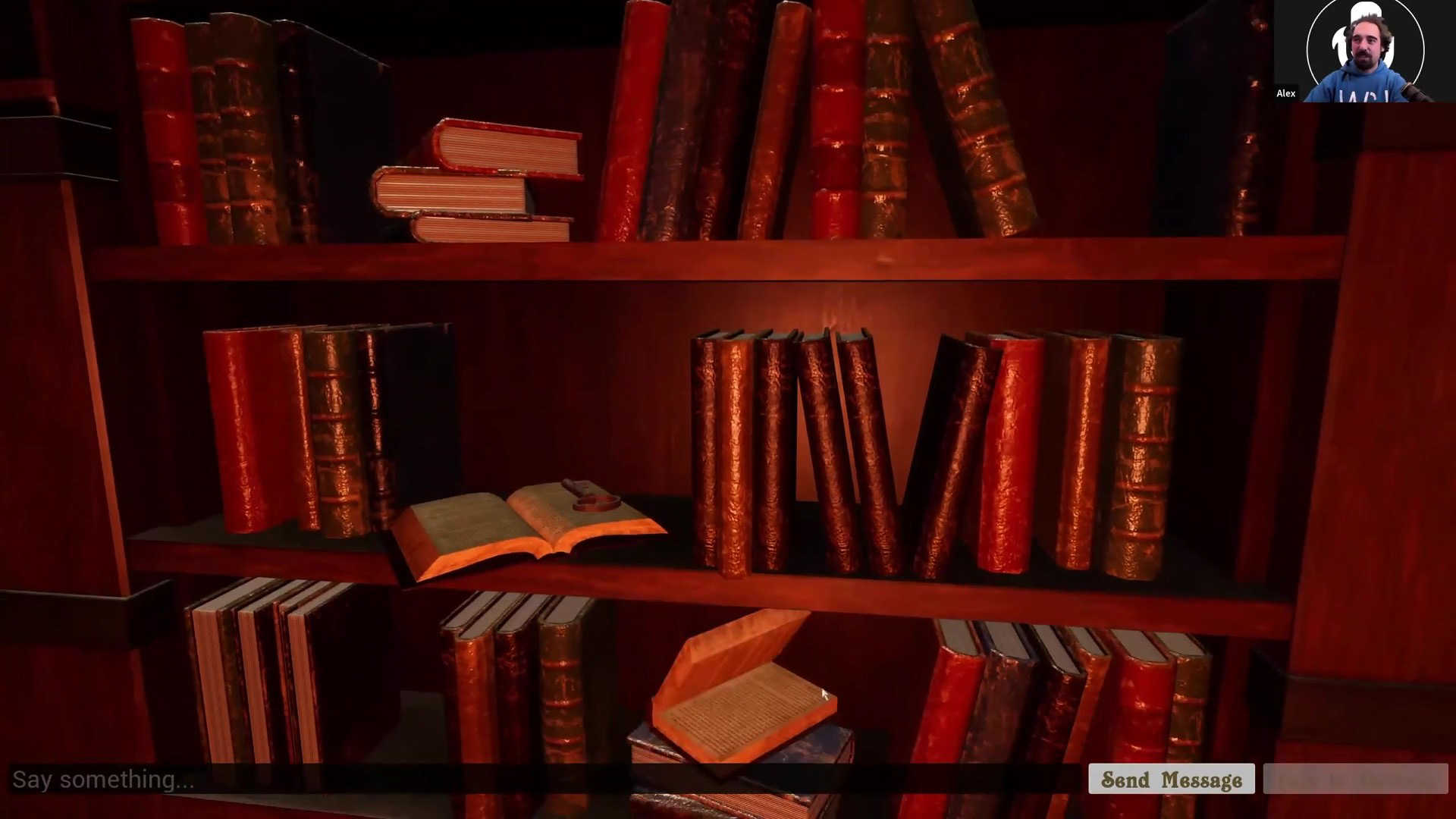
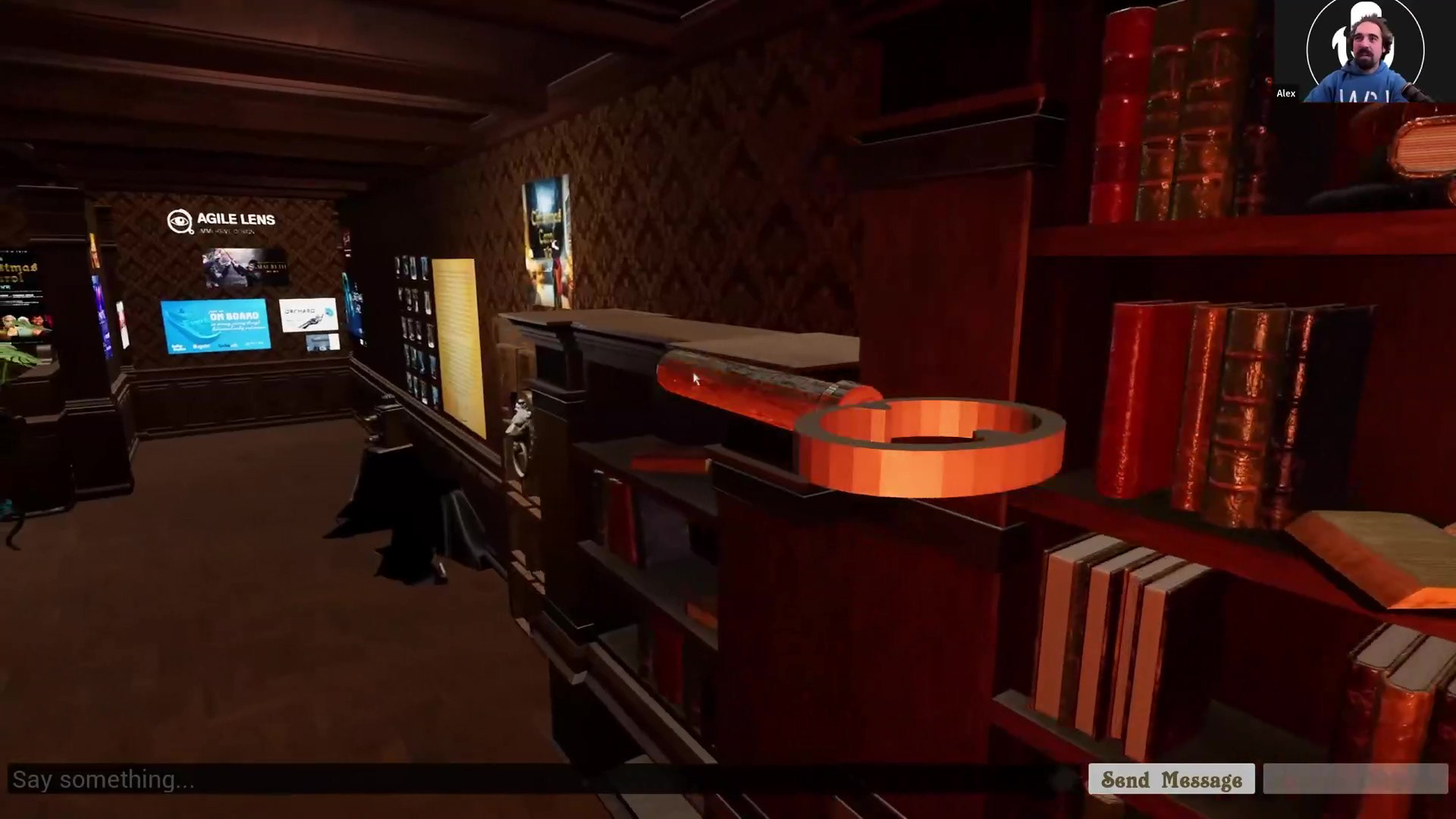
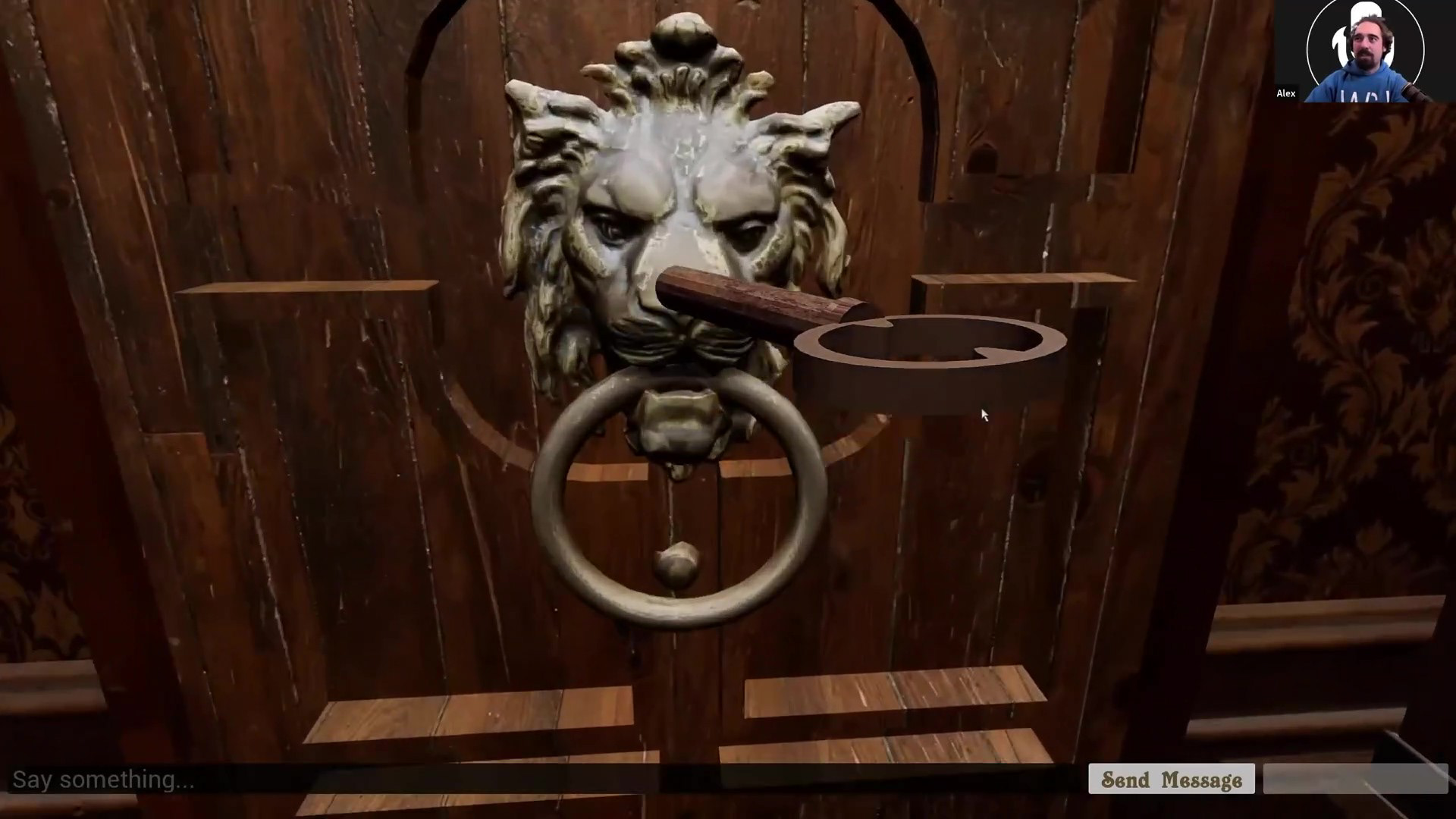
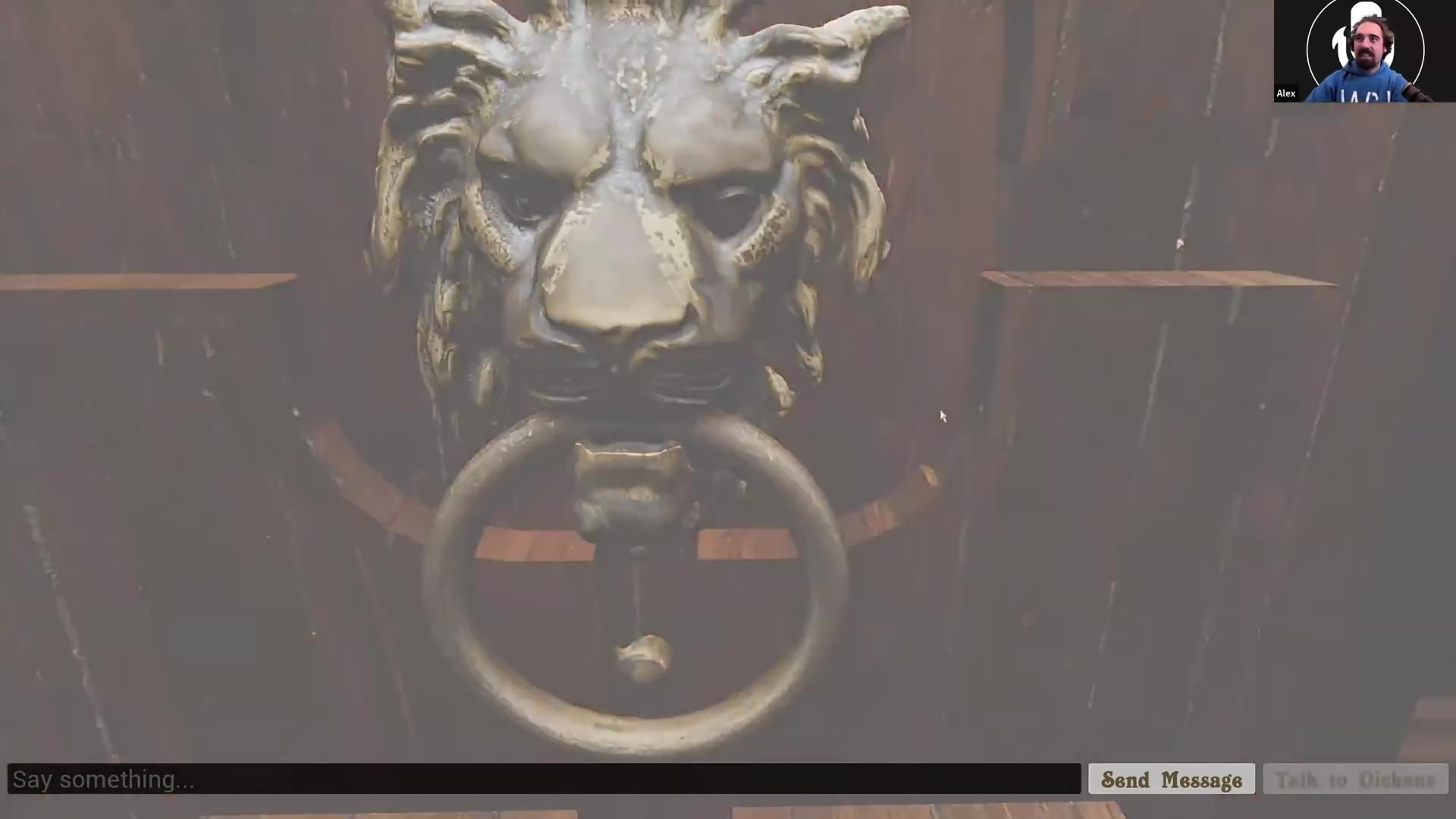
Audiences will receive a detailed instruction of a hidden key in the lobby, which requires you to navigate to the end of the room and open a specific book, to unlock the hidden door. Audiences will find multiple interactable objects in the room besides that one book, and the pre-recorded Dickens goes away once audiences unlocked the hidden door.
Audiences will receive a detailed instruction of a hidden key in the lobby, which requires you to navigate to the end of the room and open a specific book, to unlock the hidden door. Audiences will find multiple interactable objects in the room besides that one book, and the pre-recorded Dickens goes away once audiences unlocked the hidden door.
For audiences who bought the ticket and joined at showtime:
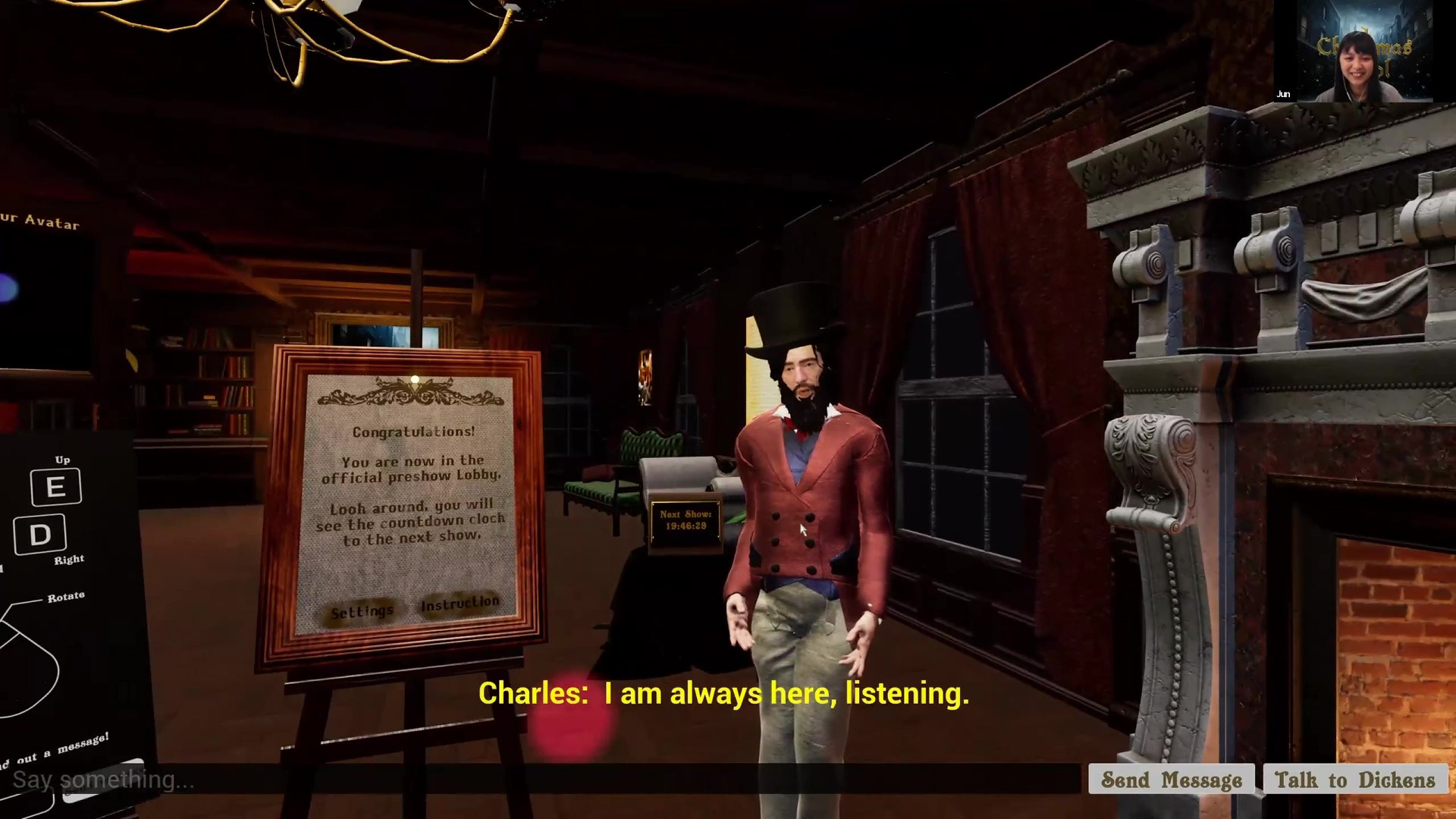
Once the audience unlocked the hidden door, they can return to the lobby anytime and there's no need to unlock the door again. The connection to server starts 5 minutes before the show, that's when we start to see other audience members. Once the connection starts, stage manager would trigger a cue to show the house manager: AI Dickens, where people can talk or type to interact with him. There's also multiple hidden surprises on him!
Once the audience unlocked the hidden door, they can return to the lobby anytime and there's no need to unlock the door again. The connection to server starts 5 minutes before the show, that's when we start to see other audience members. Once the connection starts, stage manager would trigger a cue to show the house manager: AI Dickens, where people can talk or type to interact with him. There's also multiple hidden surprises on him!
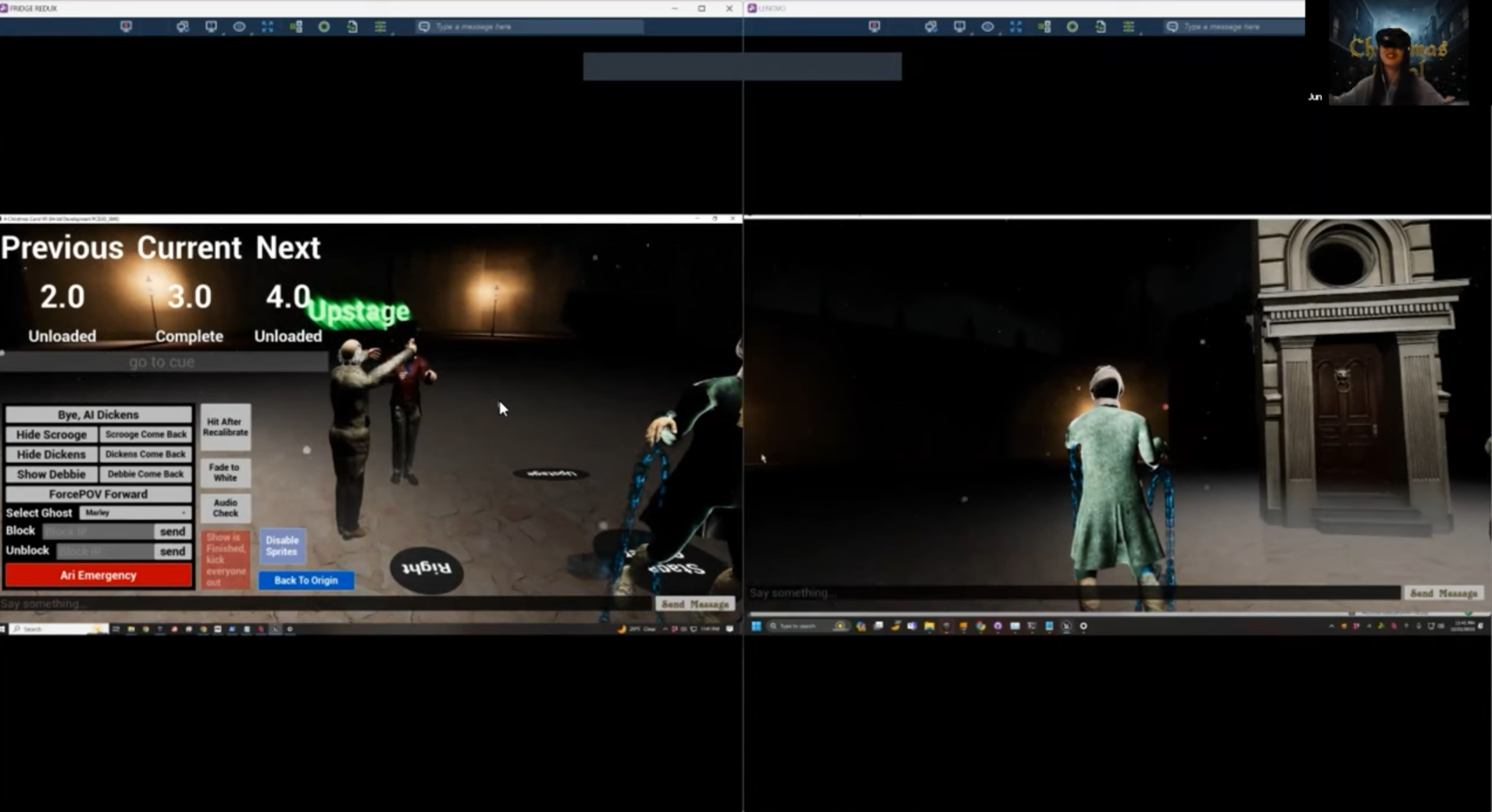
Left: Stage Manager view. Right: Audience view.